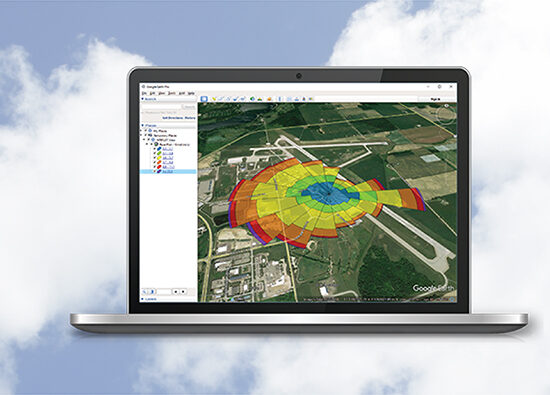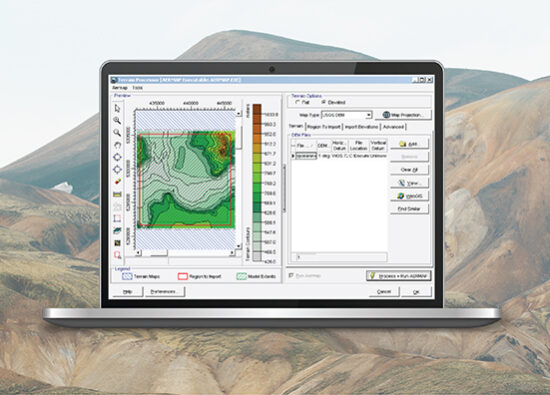
AERMOD View
Gaussian Plume Air Dispersion Model
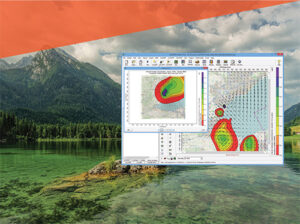
Our most commonly used air dispersion model. Applicable to a wide range of buoyant or neutrally buoyant emissions up to a range of 50km. Also suitable for complex terrain and urban dispersion.
Our most commonly used air dispersion model. Applicable to a wide range of buoyant or neutrally buoyant emissions up to a range of 50km. Also suitable for complex terrain and urban dispersion.
CALPUFF View
Puff Air Dispersion Model
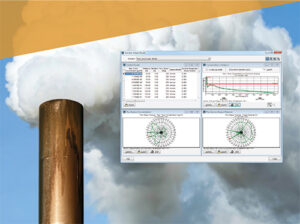
A non-steady state Gaussian puff model, suitable for long range transport, atmospheric chemistry, visibility and scenarios with complex wind fields, such as coastal and complex terrain areas.
A non-steady state Gaussian puff model, suitable for long range transport, atmospheric chemistry, visibility and scenarios with complex wind fields, such as coastal and complex terrain areas.
AERSCREEN View
Screening Model for AERMOD
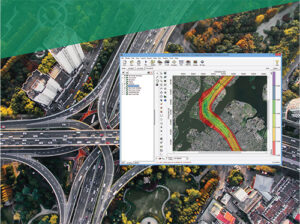
AERSCREEN is a screening-level air quality model based on the U.S. EPA AERMOD model which estimates worst-case ground level concentrations for a single source.
AERSCREEN is a screening-level air quality model based on the U.S. EPA AERMOD model which estimates worst-case ground level concentrations for a single source.
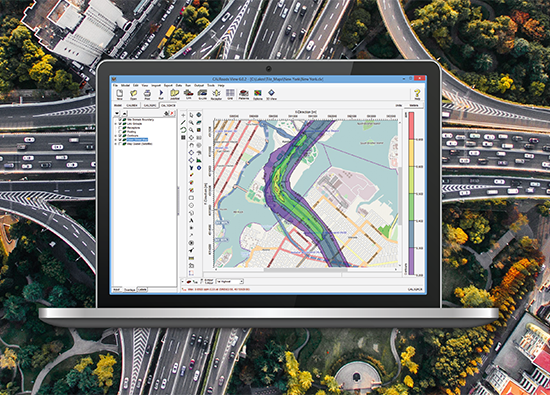
CALRoads View
Traffic Air Dispersion Model
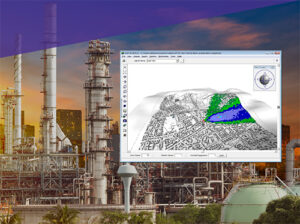
A traffic dispersion model specifically designed for modeling emissions from vehicles. CALRoads can model timed intersections, parking lots and account for traffic patterns.
A traffic dispersion model specifically designed for modeling emissions from vehicles. CALRoads can model timed intersections, parking lots and account for traffic patterns.
AUSTAL View
Lagrangian Particle Tracking Air Dispersion Model
A Lagrangian particle tracking model. Widely used in Germany, AUSTAL is capable of modeling complex wind fields and transient behavior.
A Lagrangian particle tracking model. Widely used in Germany, AUSTAL is capable of modeling complex wind fields and transient behavior.
AQMIS
Ambient Quality Management Information System
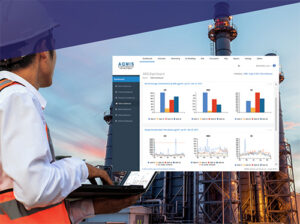
Complete air quality management solution for environmental agencies, environmental consultants and regulated industry. User reported benefits include significant cost and time savings, improved accuracy, and defensible regulatory compliance.
Complete air quality management solution for environmental agencies, environmental consultants and regulated industry. User reported benefits include significant cost and time savings, improved accuracy, and defensible regulatory compliance.
SLAB View
Emergency Release Dense Gas Model
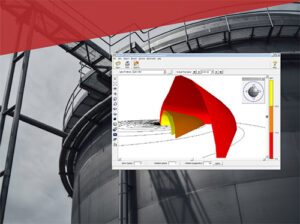
A GUI for the SLAB model. SLAB is an atmospheric dispersion model for denser-than-air releases. An ideal tool to predict hazardous zones and potential impacts of accidental releases.
A GUI for the SLAB model. SLAB is an atmospheric dispersion model for denser-than-air releases. An ideal tool to predict hazardous zones and potential impacts of accidental releases.
IRAP-h View
Human Health Risk Assessment Program
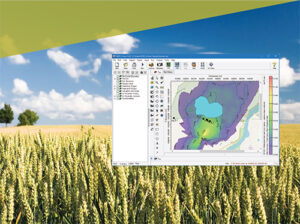
An advanced human health risk assessment program for conducting a comprehensive multi-pathway risk assessment based on the U.S. EPA Human Health Risk Assessment Protocol (HHRAP).
An advanced human health risk assessment program for conducting a comprehensive multi-pathway risk assessment based on the U.S. EPA Human Health Risk Assessment Protocol (HHRAP).
EcoRisk View
Ecological Risk Assessment Program
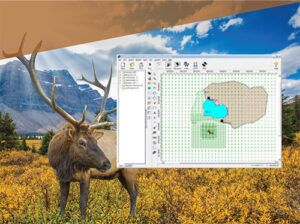
An advanced ecological risk assessment program for conducting a comprehensive multi-pathway risk assessment based on the U.S. EPA Screening Level Ecological Risk Assessment Protocol (SLERAP).
An advanced ecological risk assessment program for conducting a comprehensive multi-pathway risk assessment based on the U.S. EPA Screening Level Ecological Risk Assessment Protocol (SLERAP).
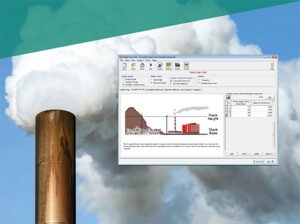
Screen View
Designed for screening level air dispersion modeling using the U.S. EPA SCREEN3 model. With conservative calculations and simplified input requirements, it is ideal for initial air dispersion screening runs.
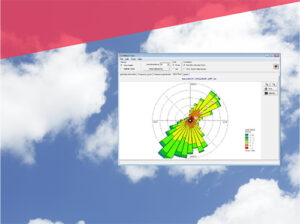
WRPLOT View
A fully operational wind rose program for your meteorological data. It provides frequency analysis, visual wind rose plots, and generates wind rose statistics and plots for several met data formats.
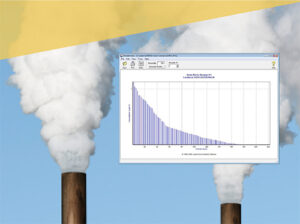
Percent View
A utility that computes rolling averages and generates percentile concentrations for the following U.S. EPA air dispersion models: AERMOD, ISCST3, and ISC-PRIME.