

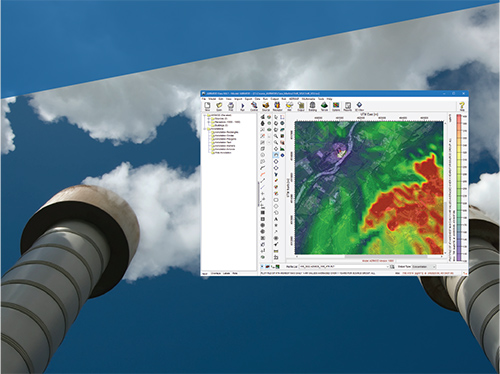
AERMOD View
Gaussian Plume Air Dispersion Model
Our most commonly used air dispersion model. Applicable to a wide range of buoyant or neutrally buoyant emissions up to a range of 50km. Also suitable for complex terrain and urban dispersion.
Our most commonly used air dispersion model. Applicable to a wide range of buoyant or neutrally buoyant emissions up to a range of 50km. Also suitable for complex terrain and urban dispersion.
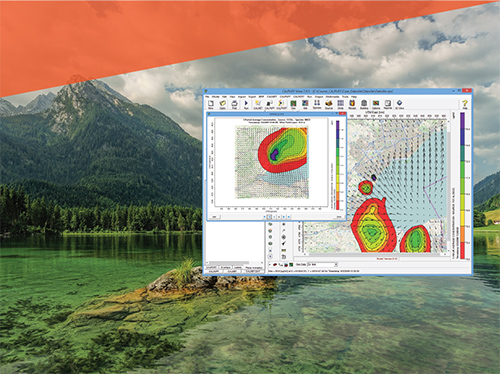
CALPUFF View
Puff Air Dispersion Model
A non-steady state Gaussian puff model, suitable for long range transport, atmospheric chemistry, visibility and scenarios with complex wind fields, such as coastal and complex terrain areas.
A non-steady state Gaussian puff model, suitable for long range transport, atmospheric chemistry, visibility and scenarios with complex wind fields, such as coastal and complex terrain areas.
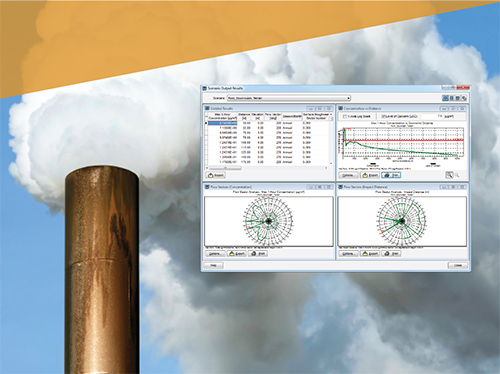
AERSCREEN View
Screening Model for AERMOD
AERSCREEN is a screening-level air quality model based on the U.S. EPA AERMOD model which estimates worst-case ground level concentrations for a single source.
AERSCREEN is a screening-level air quality model based on the U.S. EPA AERMOD model which estimates worst-case ground level concentrations for a single source.
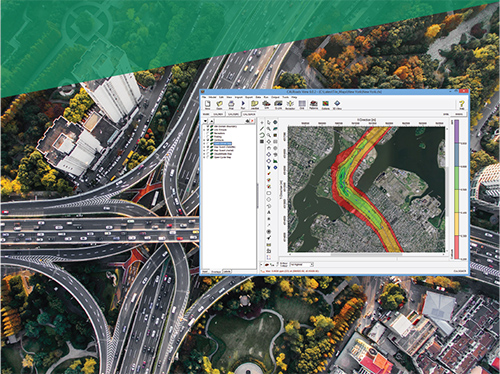
CALRoads View
Traffic Air Dispersion Model
A traffic dispersion model specifically designed for modeling emissions from vehicles. CALRoads can model timed intersections, parking lots and account for traffic patterns.
A traffic dispersion model specifically designed for modeling emissions from vehicles. CALRoads can model timed intersections, parking lots and account for traffic patterns.
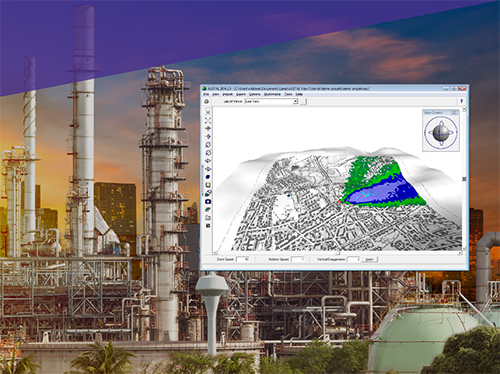
AUSTAL View
Lagrangian Particle Tracking Air Dispersion Model
A Lagrangian particle tracking model. Widely used in Germany, AUSTAL is capable of modeling complex wind fields and transient behavior.
A Lagrangian particle tracking model. Widely used in Germany, AUSTAL is capable of modeling complex wind fields and transient behavior.


