CALPUFF View™
CALPUFF View Main Features
![]() |
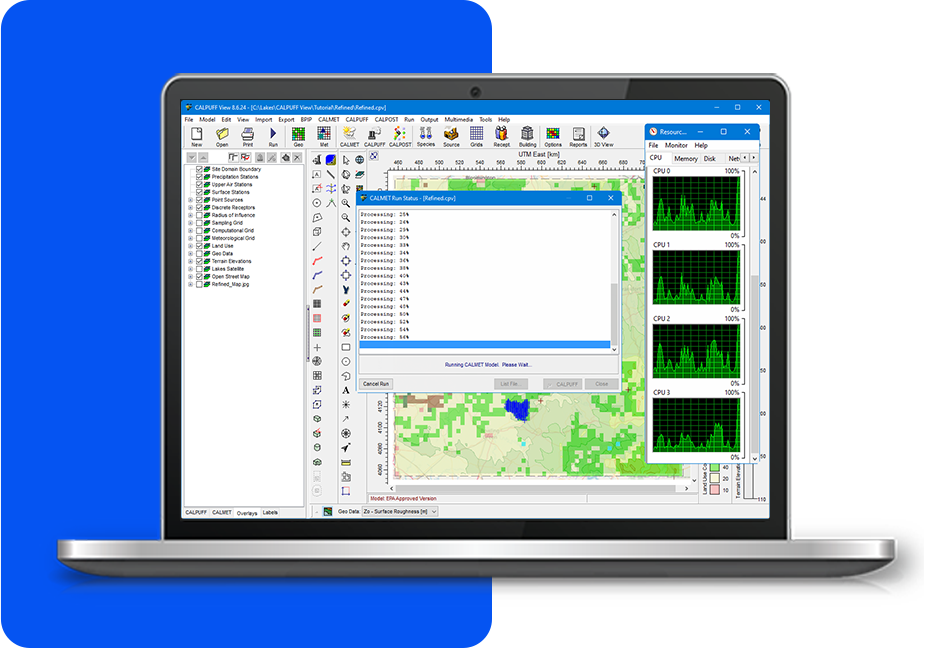
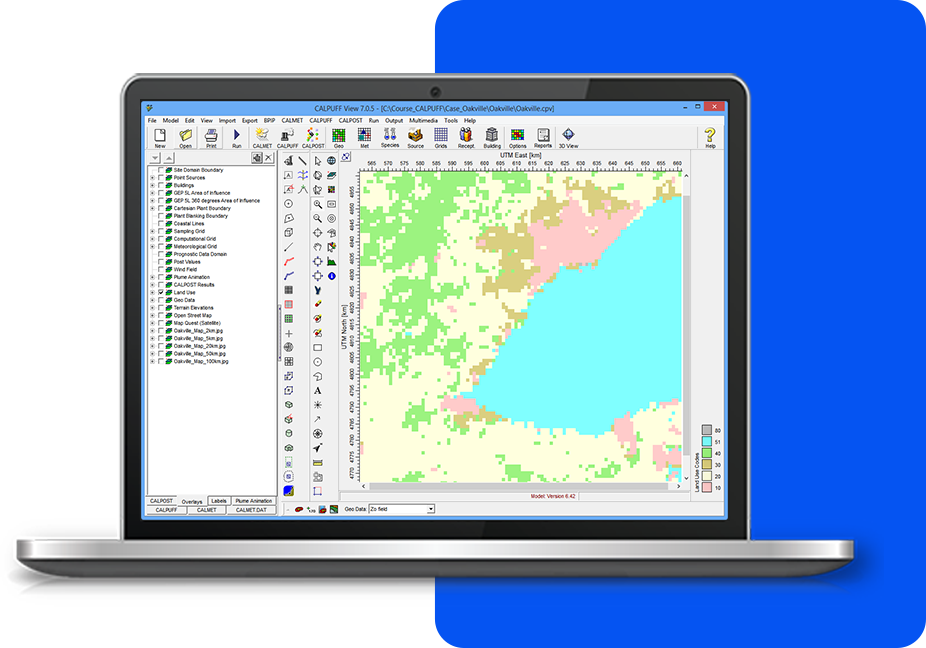
Integrated Graphical User InterfaceFully integrated interface combining easy to use graphical tools (e.g., sources, buildings, and receptors), seamless model run, and automated contouring and posting of results. |
![]() |
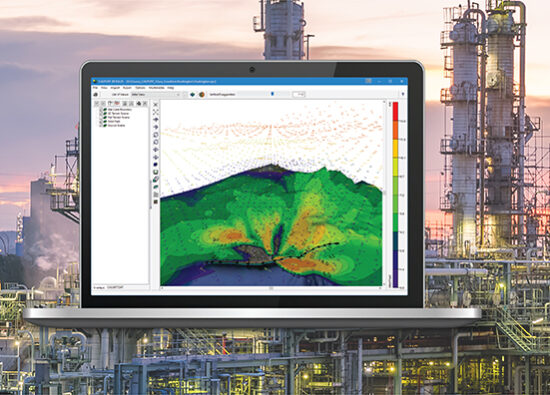
Powerful 3D VisualizationComplete 3D visualization of your entire modeling area. Sources, buildings, and concentration and/or deposition contour results are displayed in context with the surrounding terrain. |
|
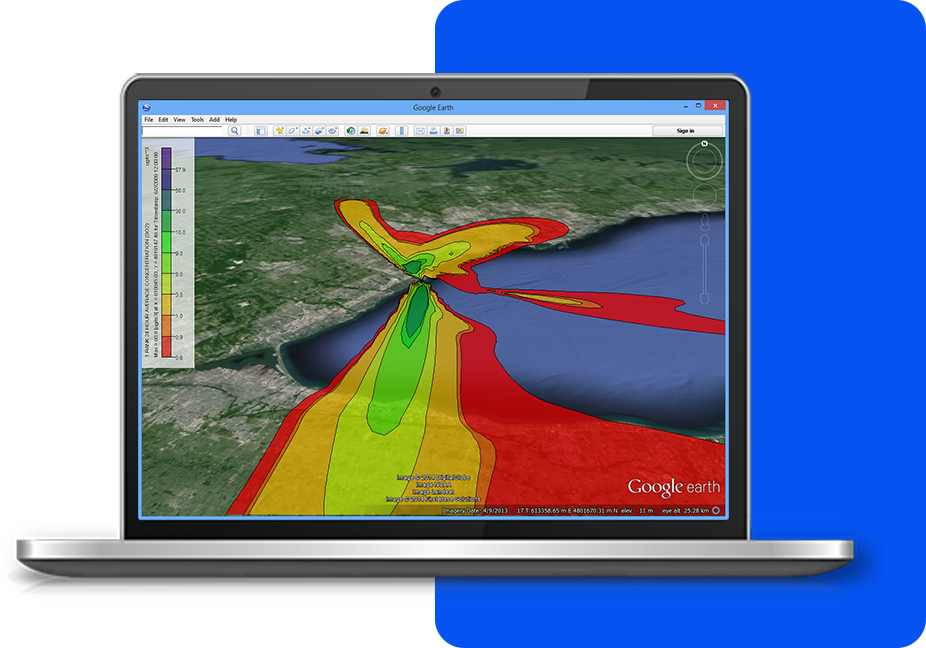
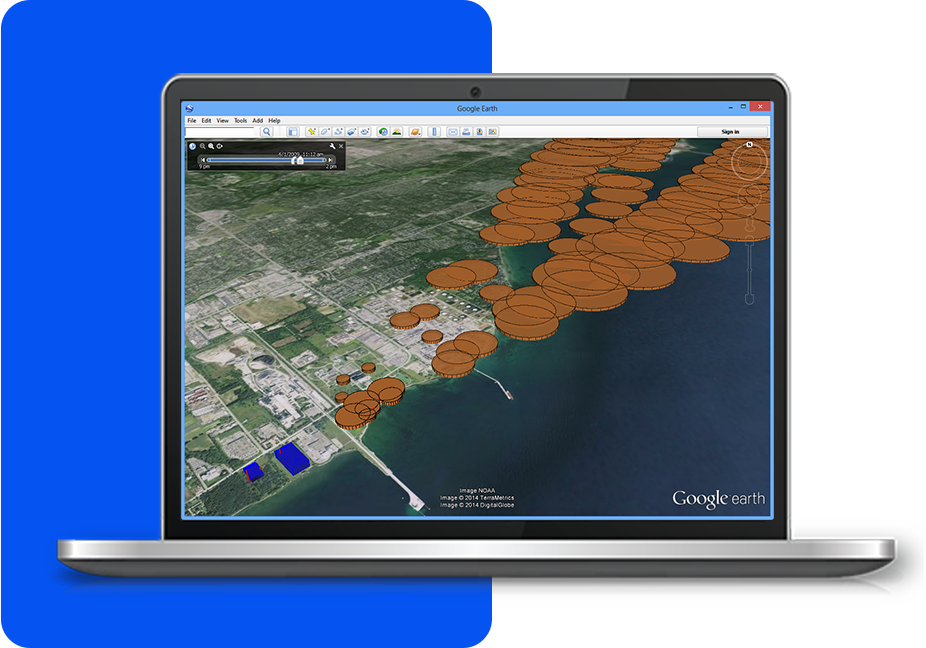
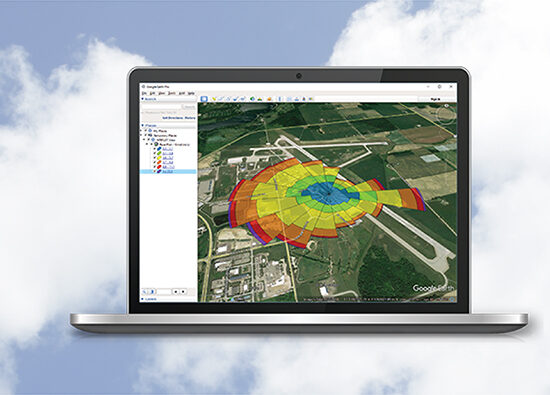
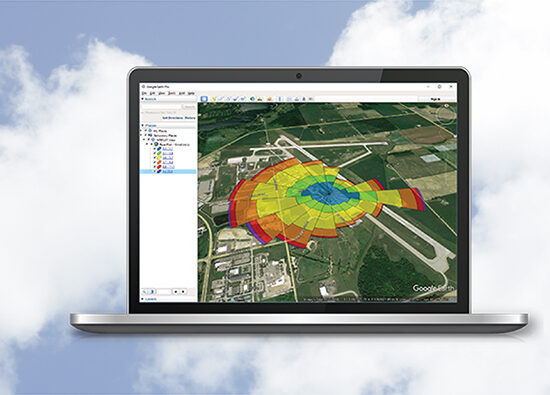
Export to Google Earth™This exciting feature allows you to export your buildings, sources, receptors and contours into Google Earth giving you a more realistic image of where your pollutants will impact surrounding areas.
|
Puff Tracking Animations in Google Earth™Using the export to Google Earth feature you can quickly and easily see where your puff will impact. The play feature shows how your puff disperses over time. |
|
|
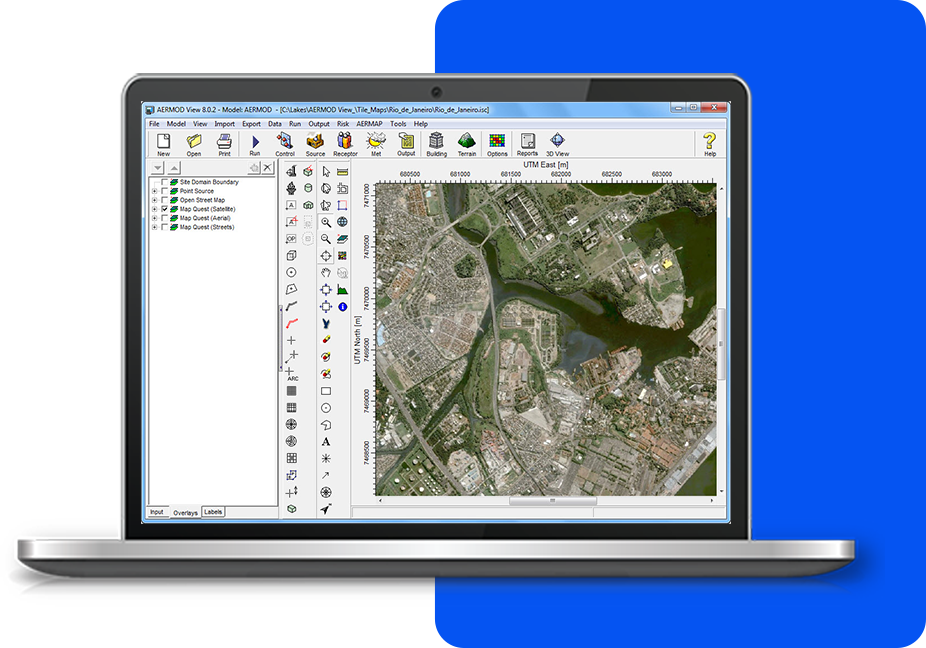
Automatic Download of Terrain and Land Use DataCALPUFF View now allows the user to automatically download global terrain data files (DEM, SRTM, GTOPO) and land use data (LULC, NLCD92, GLCC). Easily process data for anywhere in the world. |
![]() |
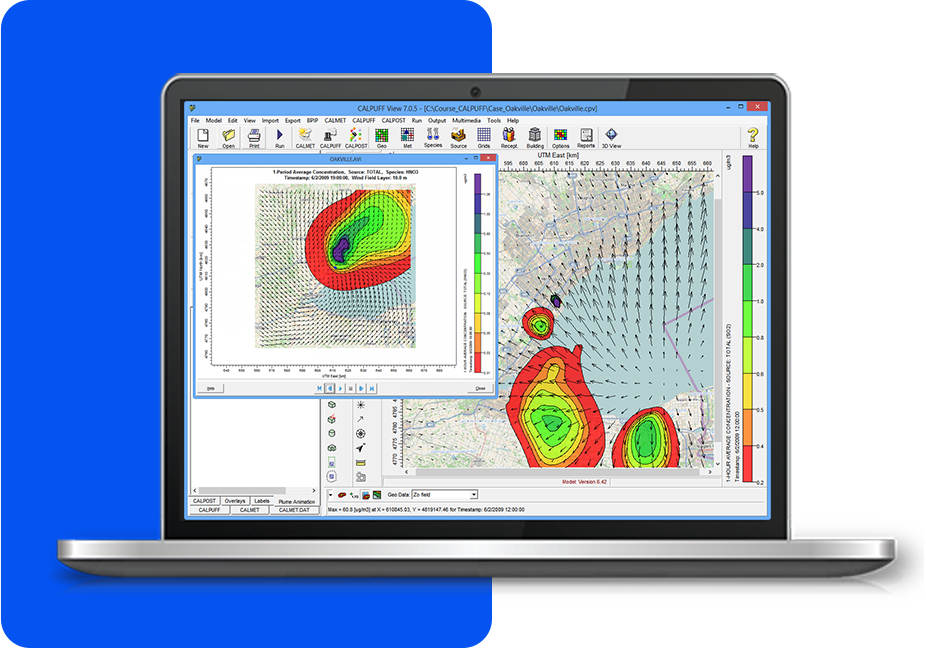
CALMET Wind Field VisualizationCALPUFF View automatically generates the visualization of the wind field calculated by CALMET. You can visualize the wind field together with opther layers (e.g., terrain) in 2D and 3D. |
![]() |
CALPUFF View Easy-to-Use WizardsCALPUFF View provides an easy-to-use graphical interface. Each section can be completed by following the steps outlined in various wizards so that you don’t miss specifying required information. |
![]() |
Complete Meteorological Pre-ProcessorsCALPUFF View seamlessly runs SMERGE, METSCAN, READ62, PXTRACT, and PMERGE for all of your met processing. Surface, Upper Air, and Precipitation files can be downloaded automatically from WebMET. |
|
Support for EPA Approved and Beta ModelsNow you can use either the US EPA approved CALPUFF model or version 6.0 for your modeling needs. The user can switch from one model to another with the click of a button, even in the middle of a project! |
Additional Information
See Tech SpecsSee Resources