

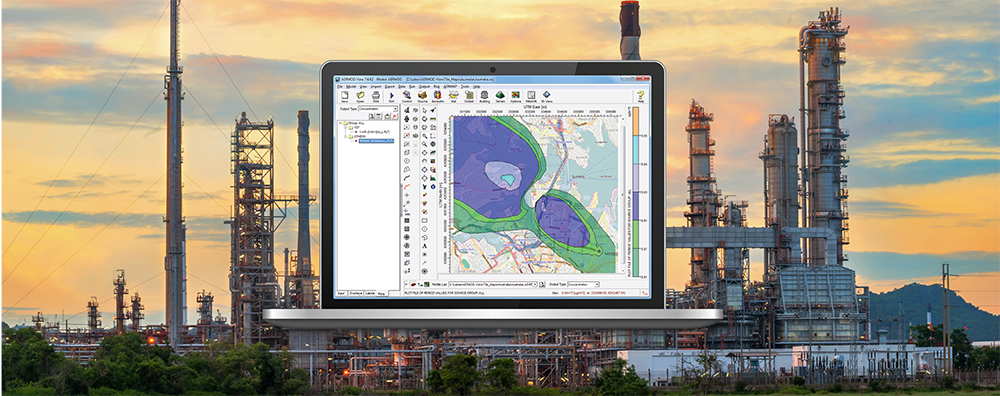
The AERMOD model can produce many different forms of output to support modelers’ needs. For example, highest values (or ranked values) tables are probably the most common form of output. These tables contain concentrations which are not paired in time across the domain but ranked in order from highest to lowest at each individual receptor.
Some situations may require the modeler to analyze time series output as opposed to maxima. For these tasks, AERMOD can prepare an output file called the Post-Processing File (model keyword POSTFILE).

Post-Processing File Options in AERMOD View
Each POSTFILE requires a few input elements:
- Averaging Period: Select the time step you want to analyze. Output for each receptor at each time step will be written to the file. In the screenshot above, output at every single-hour interval would be published.
- Source Group ID: Identify the source group of interest. You can create one POSTFILE for each Averaging Period + Source Group ID combination.
- Format: Choose from binary (UNFORM) or ASCII text (PLOT). Use the latter if you want to analyze the output using third-party software (e.g., large text file editors) as the binary option will not be readable.
- File Name: Assign a unique file name.
In addition to manually creating Post-Processing Files using the above settings in the Output Pathway, AERMOD View utilizes the POSTFILE output in other ways, as well. Under the Lakes Tools settings in the Output Pathway, you will find the Percentile / Rolling Average and Plume Animation features.
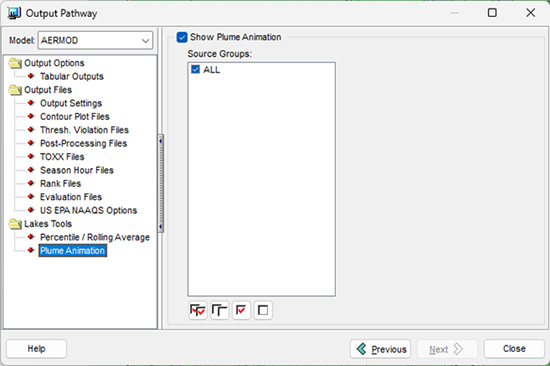
Plume Animation File Options in AERMOD View
The Plume Animation option creates a 1-hour average POSTFILE for each selected source group which the application subsequently uses to display the concentration contour plots for each time step. Users can then animate and record these using the Multimedia menu.
One important thing to keep in mind about POSTFILEs is that they can be prohibitively large in size. You need to make sure you have adequate disk space before starting your model run to avoid run failures.