CALPUFF View: Wind Rose Tool
The CALPUFF air dispersion model relies on three-dimensional gridded meteorological fields to simulate the transport, dispersion, and deposition of pollutants.


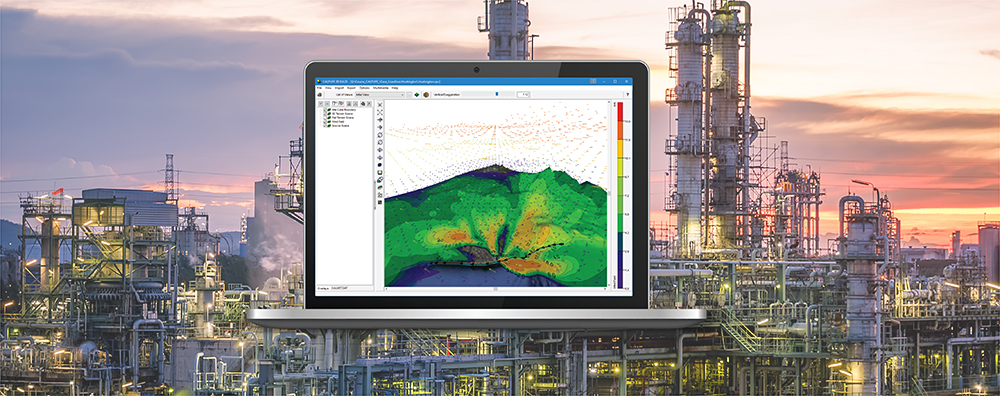
The CALPUFF air dispersion model relies on three-dimensional gridded meteorological fields to simulate the transport, dispersion, and deposition of pollutants.
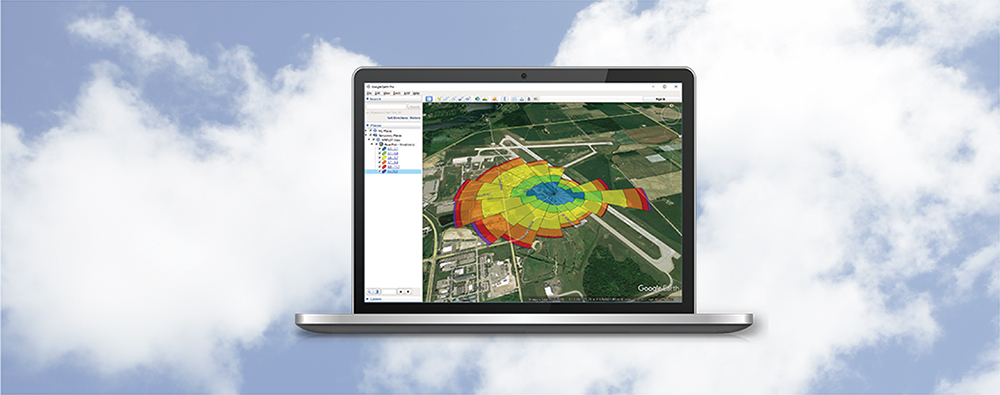
One of the cornerstones to working with Lakes Environmental Software products is the drawing area. This is where all objects and layers are displayed for viewing and editing. One tool users have to properly control what is displayed in the drawing area is the Overlays tab on the Tree View.
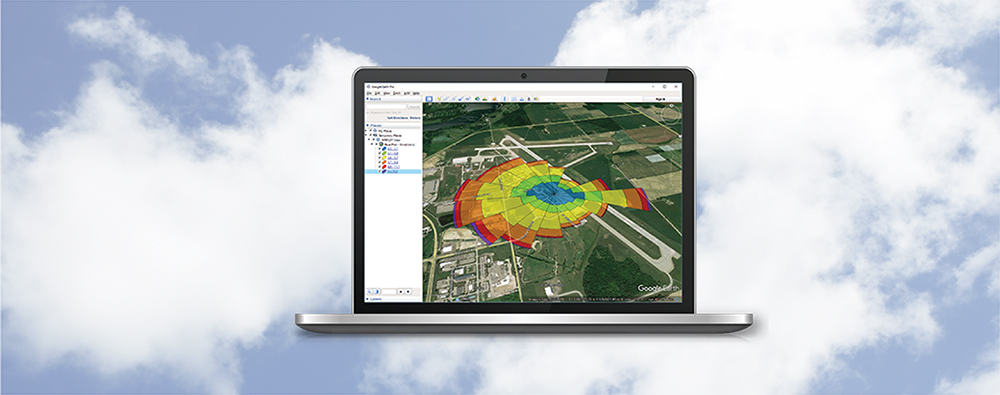
There are many reasons why it may be necessary to create a copy of a modeling project. You may want to make edits to a scenario without overwriting previous results, or you need to re-run the project using a different set of meteorological data while maintaining the rest of the inputs.
The CALPUFF air dispersion modeling system is extremely powerful and contains many refined features for users to conduct air modeling. A consequence of the model’s refined nature means some calculations can take a very long time to complete, however. Some situations may call for a modeler to conduct multiple model runs thus compounding the runtimes.
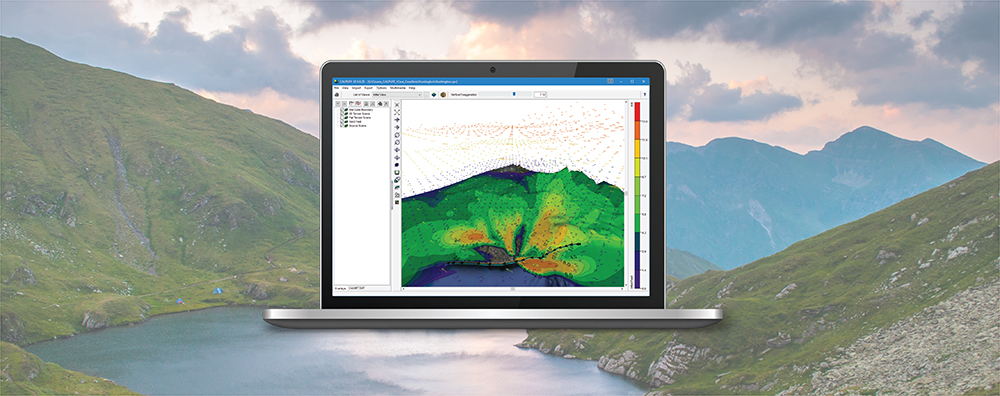
One limitation of the CALPUFF air dispersion model is that it can only be executed on a single processor (i.e., serially). Previous modeling tips have discussed ways around this limitation. For example, executing CALPUFF with a single source will run faster than attempting to model multiple sources at a time. Modelers can then employ CALSUM to assess cumulative impacts. This approach has the added benefit of providing a way to assess individual source contributions.
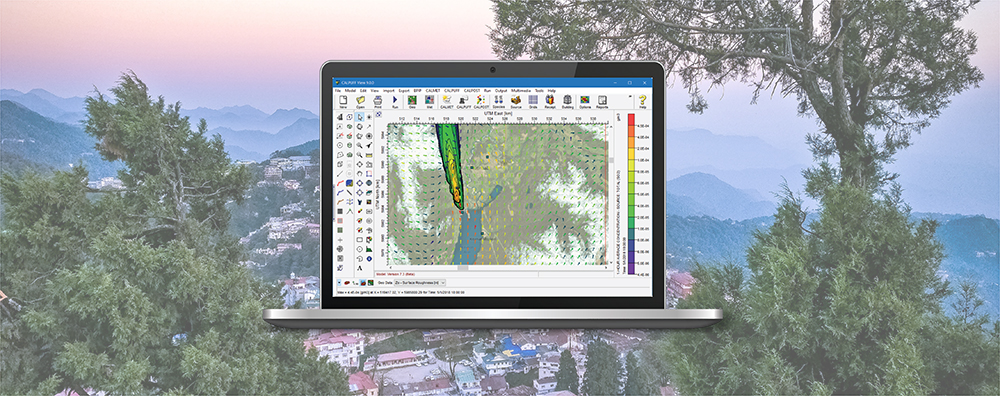
Lakes Software recently announced its acquisition of the CALPUFF modeling system from Exponent. Because Lakes’ CALPUFF View interface is well known throughout the modeling community, some modelers were not aware of the differences between this application and the stand-alone modeling system. This tip will explain the relationship between the modeling system and the CALPUFF View interface.