CALRoads View: Import Group Links
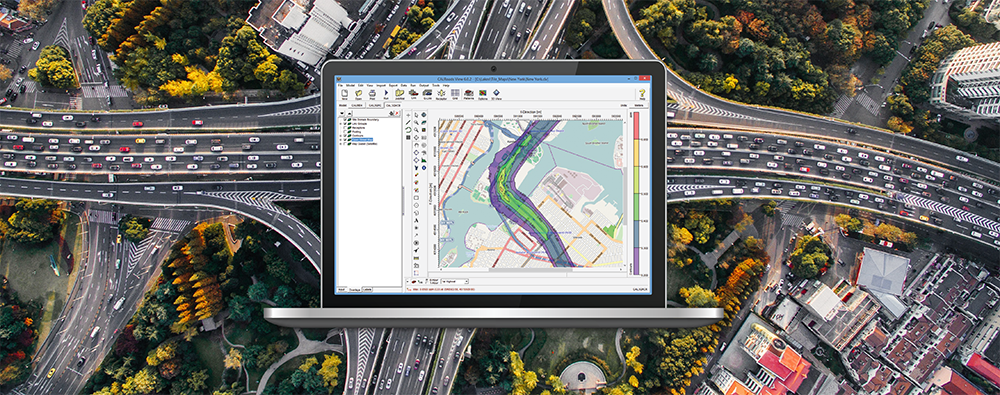
CALRoads View makes it very easy to input links to a modeling project using one of the CALINE series of models (CALINE, CAL3QHC, CAL3QHCR). While it’s common to graphically depict links, CALRoads also allows modelers to import links using an Excel spreadsheet template. This is useful for modelers who have all of their inputs defined or those who have a lot of data to input. The template spreadsheet is found in the C:\Lakes\CALRoads View\Templates folder.